Departments
Chemical, Biochemical and Environmental Engineering
Computer Science and Electrical Engineering
Information Systems
Mechanical Engineering
Units
Center for Women in Technology
Engineering and Computing Education Program
Research Centers & Institutes
Center for Accelerated Real Time Analytics
Center for Advanced Sensor Technology
Center for Cybersecurity
Center for Navigation, Timing & Frequency Research
Center for Real-time Distributed Sensing and Autonomy
Center for Research in Emergent Manufacturing
Center for Space Sciences and Technology
Center for Urban Environmental Research & Education
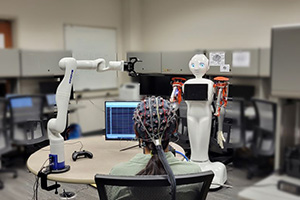
Industry University Cooperative Research Center for Building Reliable Advances and Innovations in Neurotechnology (BRAIN)
Institute for Harnessing Data and Model Revolution in Polar Regions
UMBC is committed to creating an accessible, inclusive, and welcoming environment for all students, staff, and visitors. If you have difficulties accessing any of the information on our websites, please contact us via email or phone so we can provide an alternative format and remedy any accessibility challenges or barriers.